

The PC Study Bible is a comprehensive Bible study software that offers everything you need for a deep and insightful exploration of scripture. With over ten years of personal experience using this tool, I can confidently say it transforms the way you engage with the Bible, making it an essential resource for any serious student of the Word.
Table of Contents
- Introduction to PC Study Bible
- Installation and Compatibility
- Navigating the Interface
- Available Translations
- Exploring Concordance and Dictionaries
- Understanding Greek and Hebrew Lexicons
- Accessing Additional Resources
- Customizing Your Desktop Experience
- Using the Search Functionality
- Managing Windows and Layouts
- Adding and Managing Bible Versions
- Conclusion and Further Learning
Introduction to PC Study Bible
The PC Study Bible is an all-in-one software designed for Bible study enthusiasts. It offers a plethora of resources, making it easier to delve deeply into scripture. Whether you’re a novice or a seasoned scholar, this tool equips you with the necessary tools for comprehensive study.
Key Features
- Extensive Translations: Access to over 37 different Bible translations.
- Concordance: A robust collection of concordances for in-depth word study.
- Dictionaries: Comprehensive Bible dictionaries to enhance understanding.
- Lexicons: Greek and Hebrew lexicons for original text insights.
Installation and Compatibility
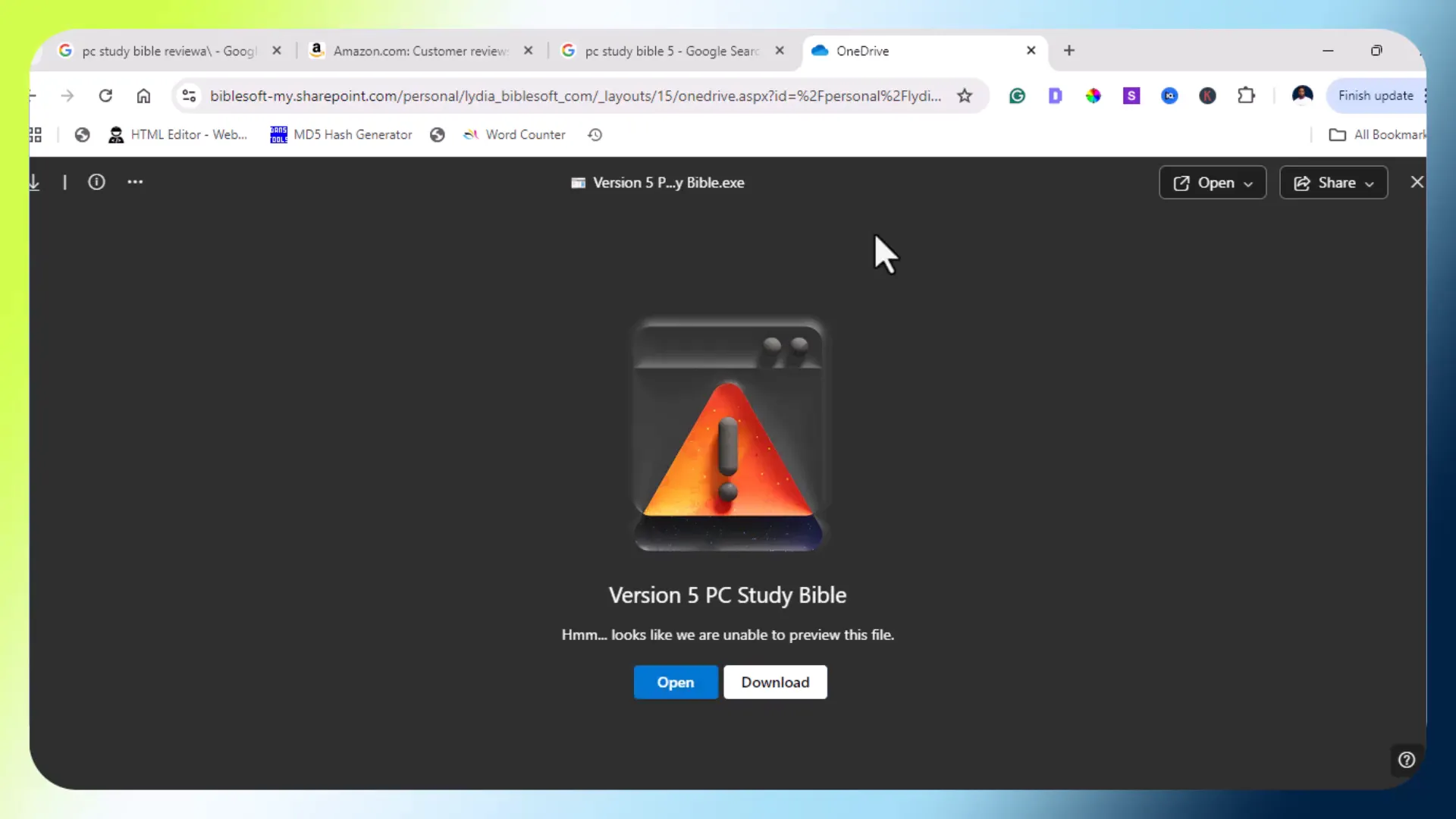
Installing the PC Study Bible is straightforward, and it is compatible with both Windows and Mac operating systems. This flexibility allows users from different platforms to access the same powerful study tools.
Installation Steps
- Visit the PC Study Bible website.
- Download the installation file for your operating system.
- Run the installer and follow the on-screen instructions.
- Once installed, open the software to begin your study.
Navigating the Interface
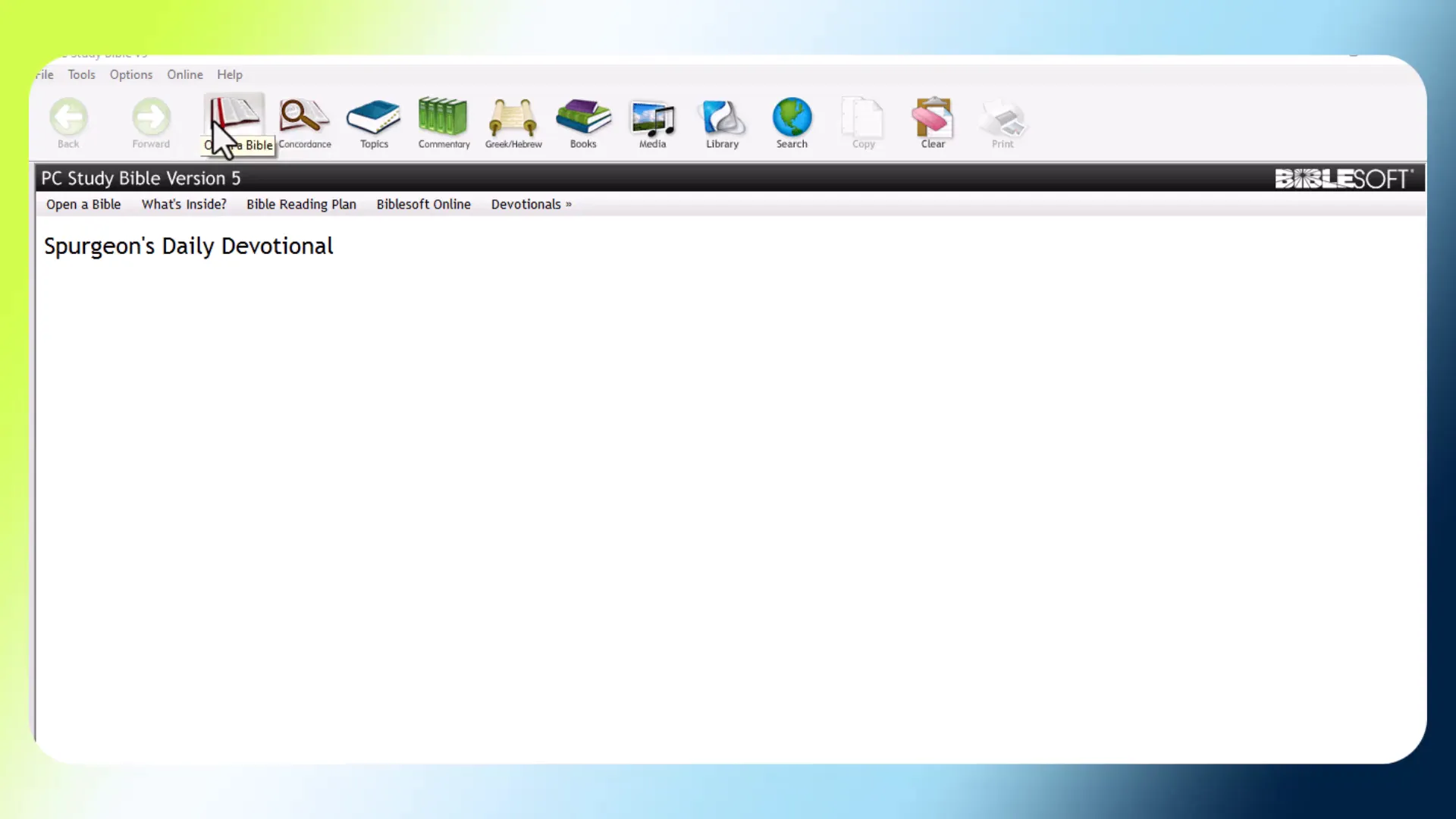
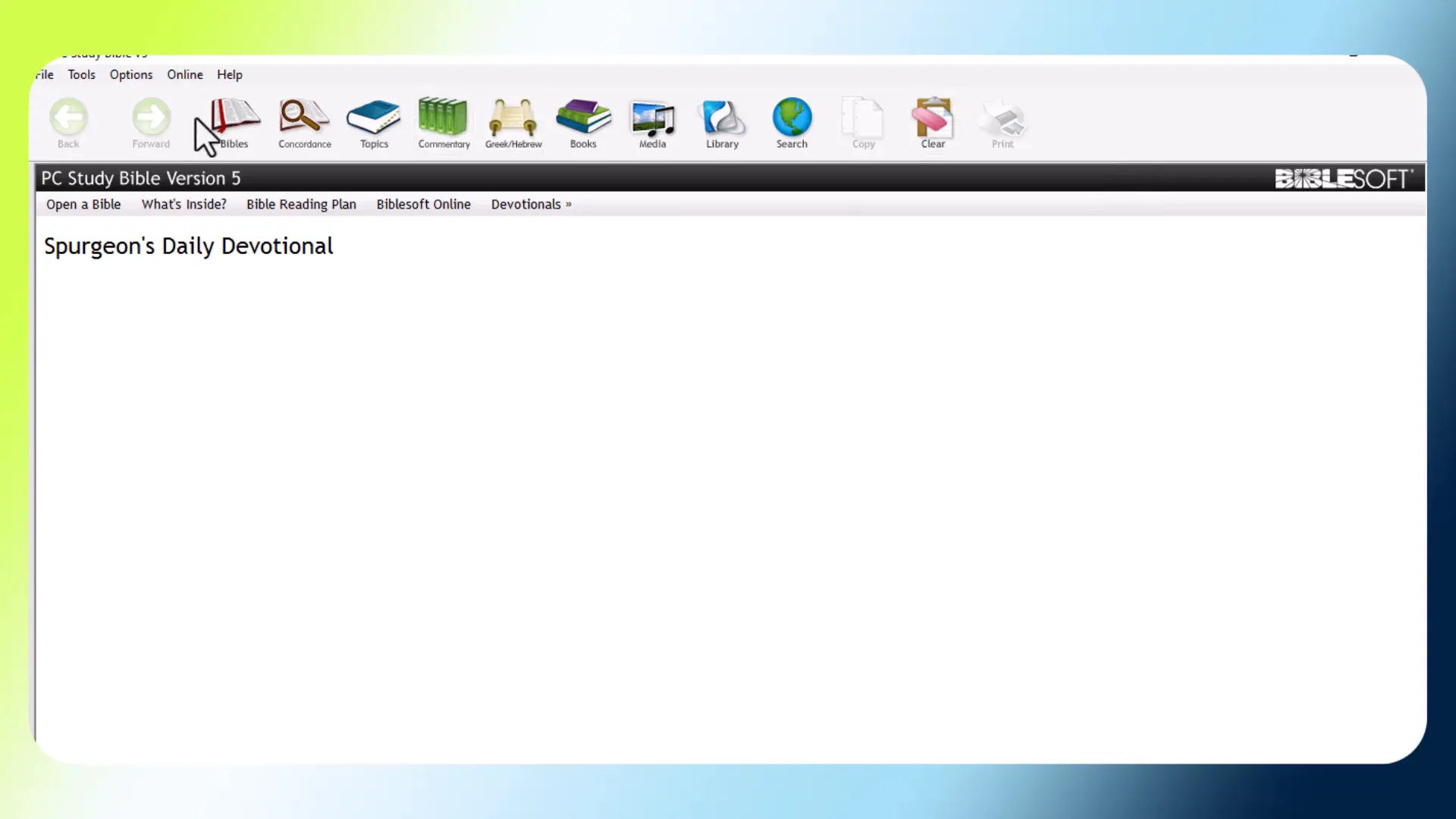
The interface of the PC Study Bible is user-friendly and intuitive. Upon opening the software, users are greeted with a layout that makes accessing various tools easy and efficient.
Main Components
- Library: Contains all your Bible translations, dictionaries, and other resources.
- Search Functionality: Quickly search through the entire library, including specific translations and concordances.
- Desktop Arrangement: Customize your workspace by saving your preferred layout.
Available Translations
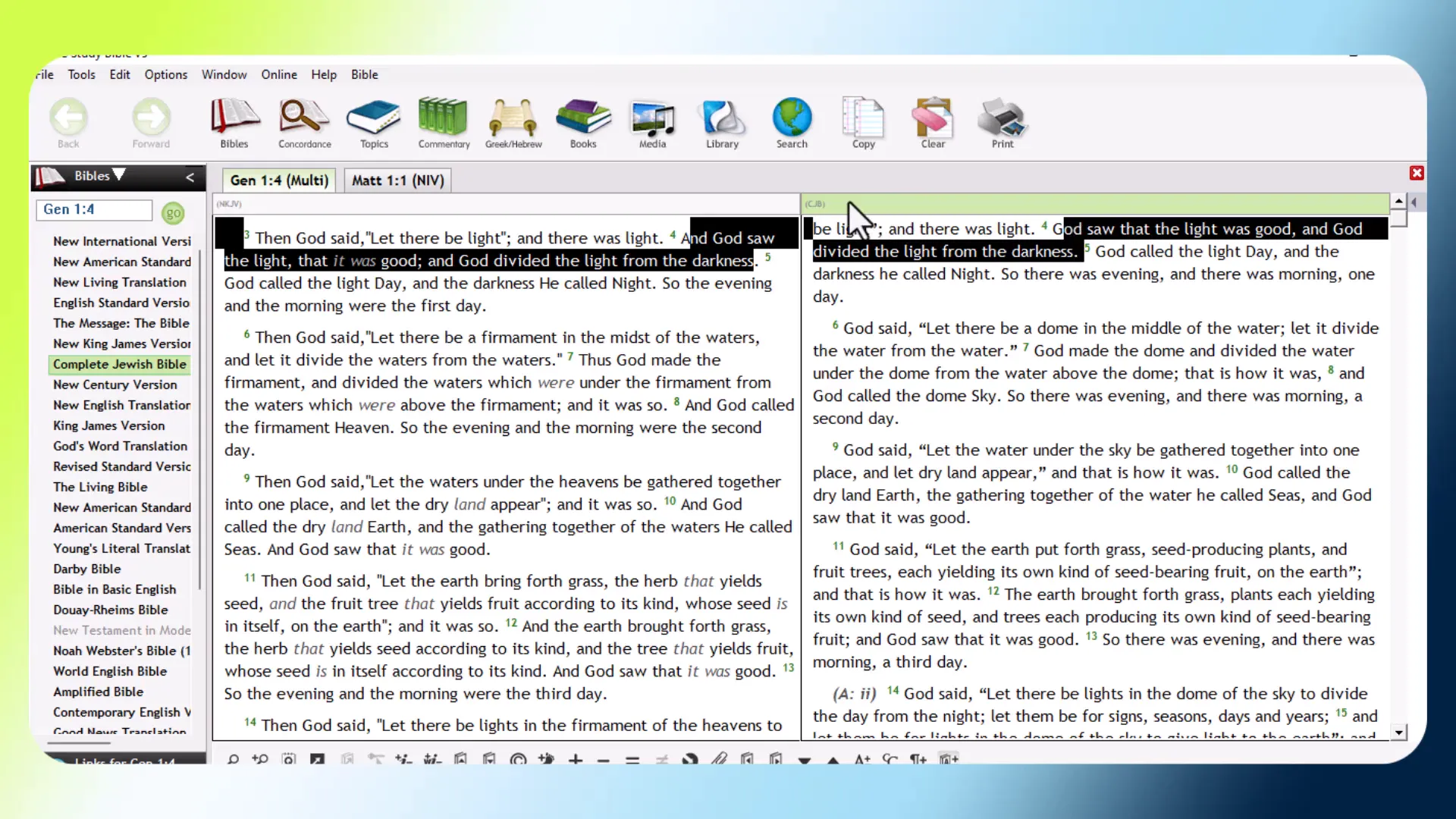
The PC Study Bible boasts a wide variety of Bible translations to cater to different reading preferences. This feature allows users to compare texts and find the version that resonates best with them.
Popular Translations
- New King James Version (NKJV)
- English Standard Version (ESV)
- New International Version (NIV)
- The Living Bible (TLB)
Exploring Concordance and Dictionaries
Concordance and dictionaries are vital components of the PC Study Bible. They provide essential tools for deeper understanding and research.
Using the Concordance
The concordance feature allows users to look up specific words or phrases within the Bible. This tool is invaluable for word study and for finding passages related to a particular theme.
Dictionaries for Enhanced Study
Access to dictionaries within the software helps clarify terms and concepts found in scripture. These resources provide historical and contextual insights that enrich your study experience.
Understanding Greek and Hebrew Lexicons
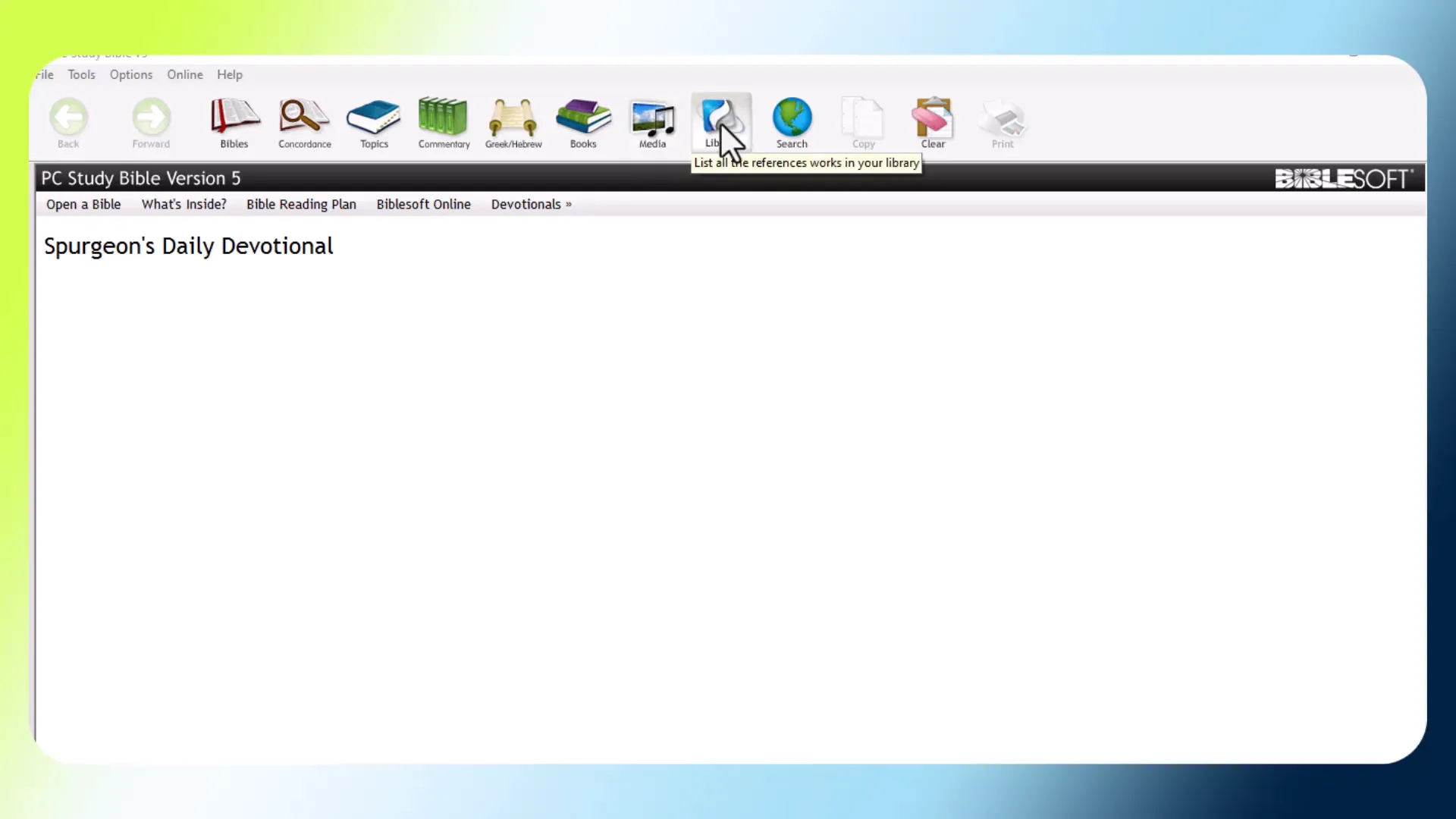
The PC Study Bible includes comprehensive Greek and Hebrew lexicons, which are essential for anyone wanting to study the Bible in its original languages. This feature allows for a deeper understanding of scripture by examining the nuances of the original text.
Benefits of Using Lexicons
- Original Language Insights: Gain a better understanding of the text’s meaning.
- Enhanced Interpretation: Analyze how word choices affect translation and interpretation.
- Study Tools: Utilize these lexicons alongside translations for comprehensive study.
Accessing Additional Resources
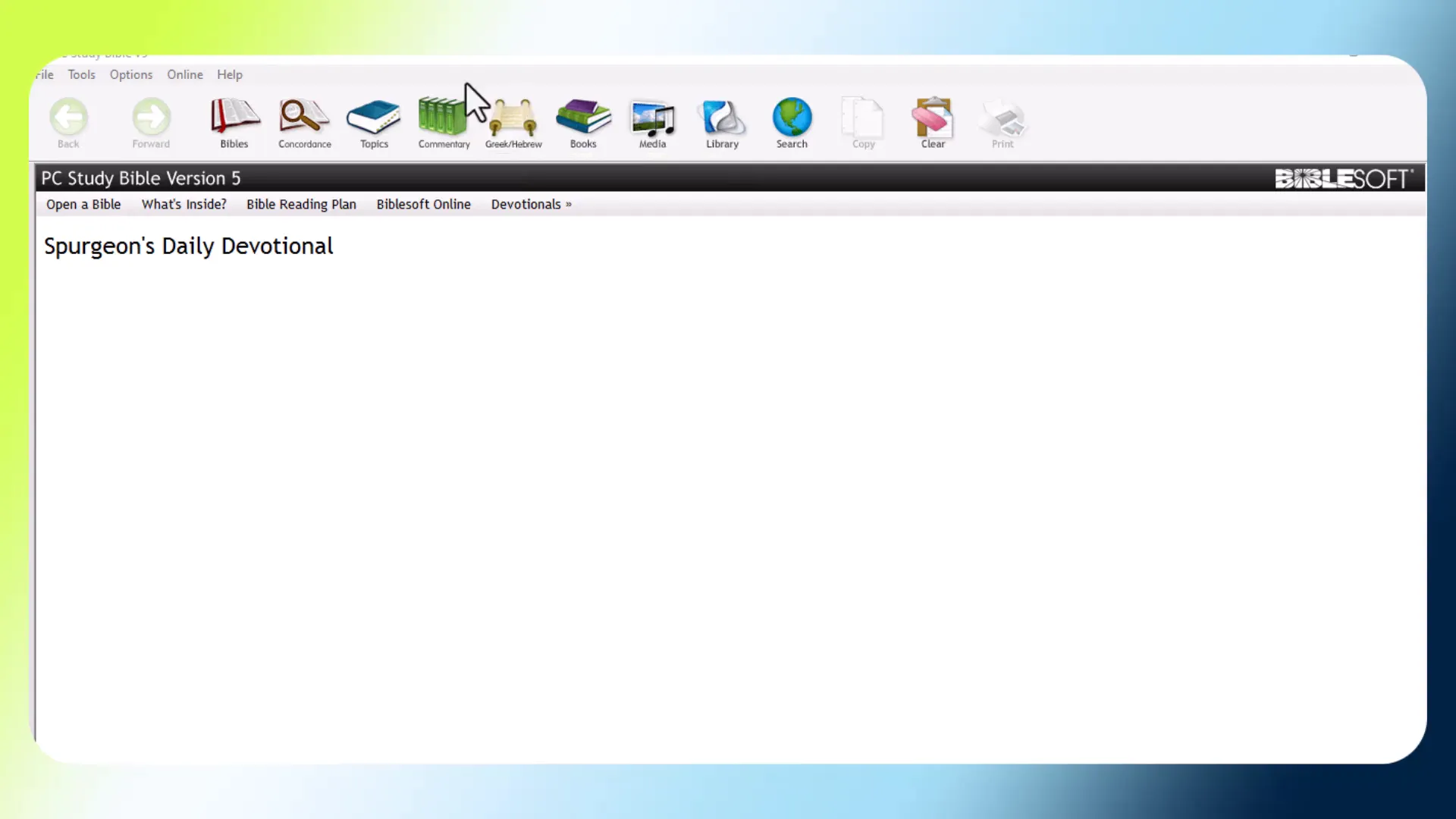
The PC Study Bible is rich with additional resources that enhance your study experience. From commentaries to maps, these tools provide context and depth to your biblical understanding.
Types of Additional Resources
- Commentaries: In-depth explanations and insights on biblical passages.
- Maps: Visual aids that illustrate the geographical context of biblical events.
- Hymns: A collection of hymns that can be integrated into your study or worship.
Customizing Your Desktop Experience
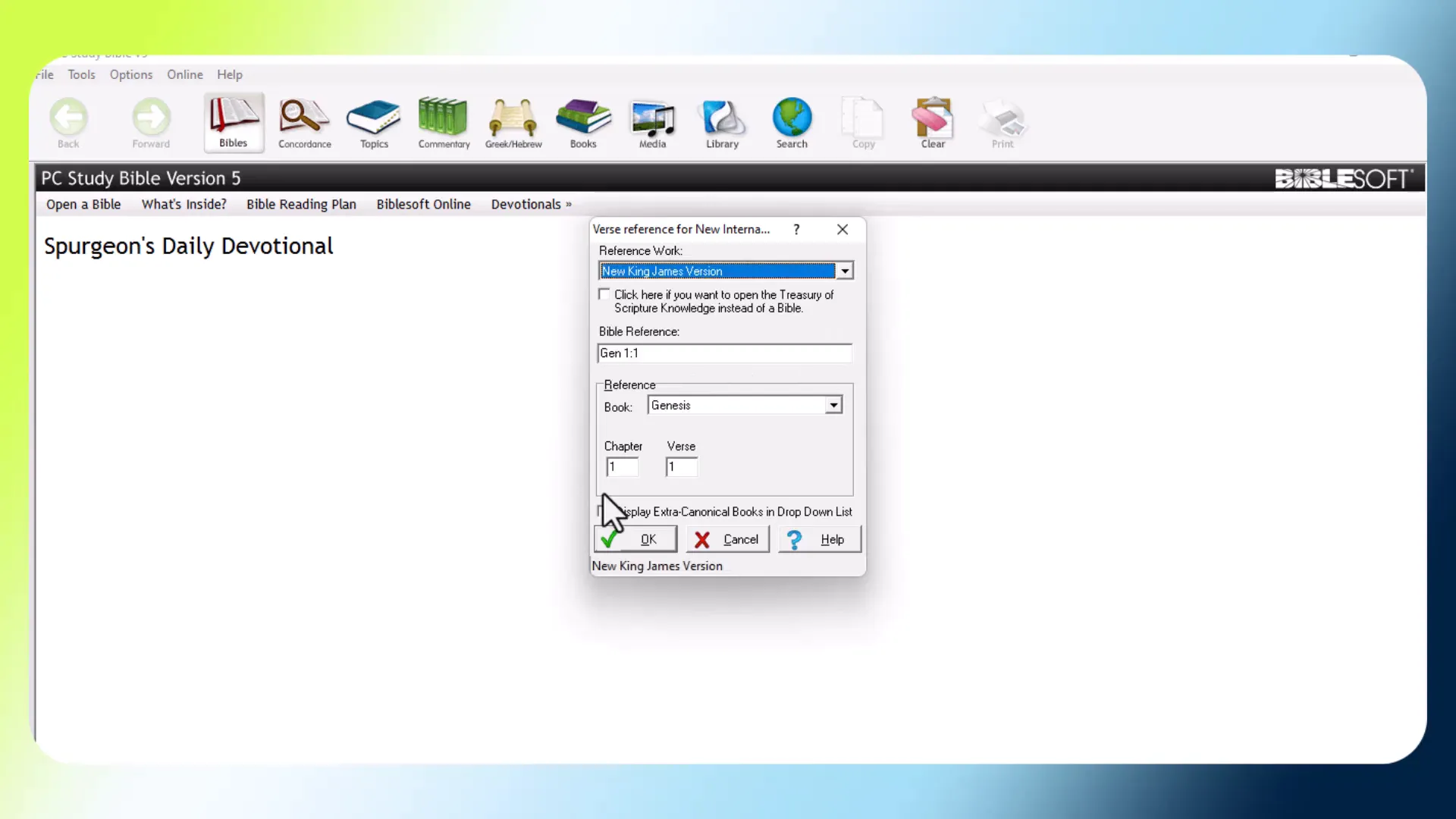
Customizing your desktop in the PC Study Bible allows for a personalized study environment that suits your preferences. You can arrange your workspace to prioritize the resources you use most frequently.
Saving Your Desktop Layout
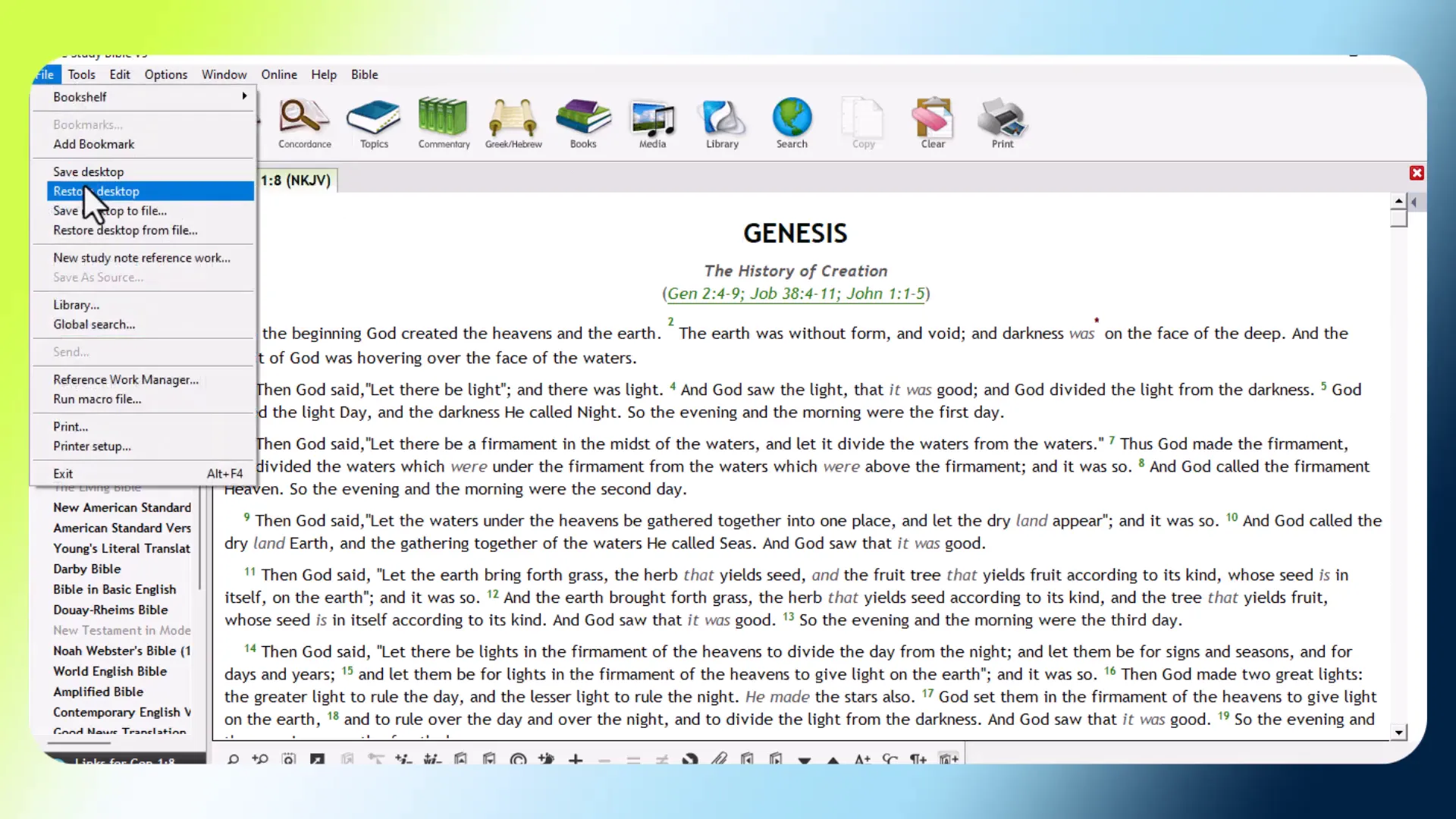
To save your preferred layout, simply click on the “Save Desktop” option. This ensures that every time you open the software, your chosen layout appears automatically.
Restoring Desktop Layouts
If you wish to revert to a previous layout, the “Restore Desktop” option provides a convenient way to do so. This feature is particularly useful if you find that your current setup is not working as effectively as you had hoped.
Using the Search Functionality
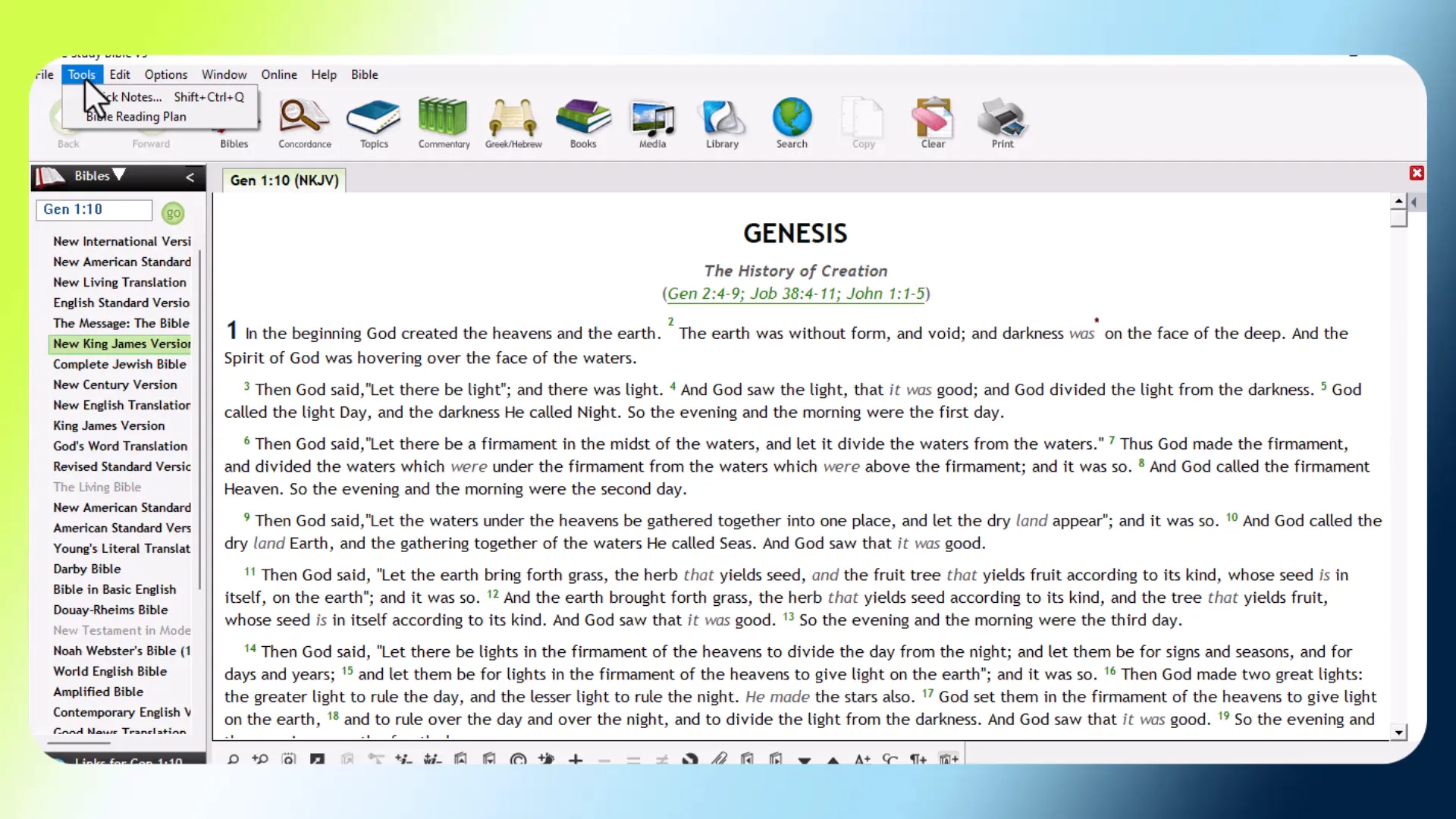
The search functionality in the PC Study Bible is one of its most powerful features. It allows you to locate specific verses, words, or topics quickly across all available resources.
Global Search
The global search function enables you to search through the entire library, including various Bible translations and concordances. This makes it easier to find relevant information without sifting through each resource individually.
Resource-Specific Searches
In addition to the global search, each resource has its own specific search option. This means you can conduct targeted searches within commentaries, dictionaries, or the concordance for more detailed results.
Managing Windows and Layouts
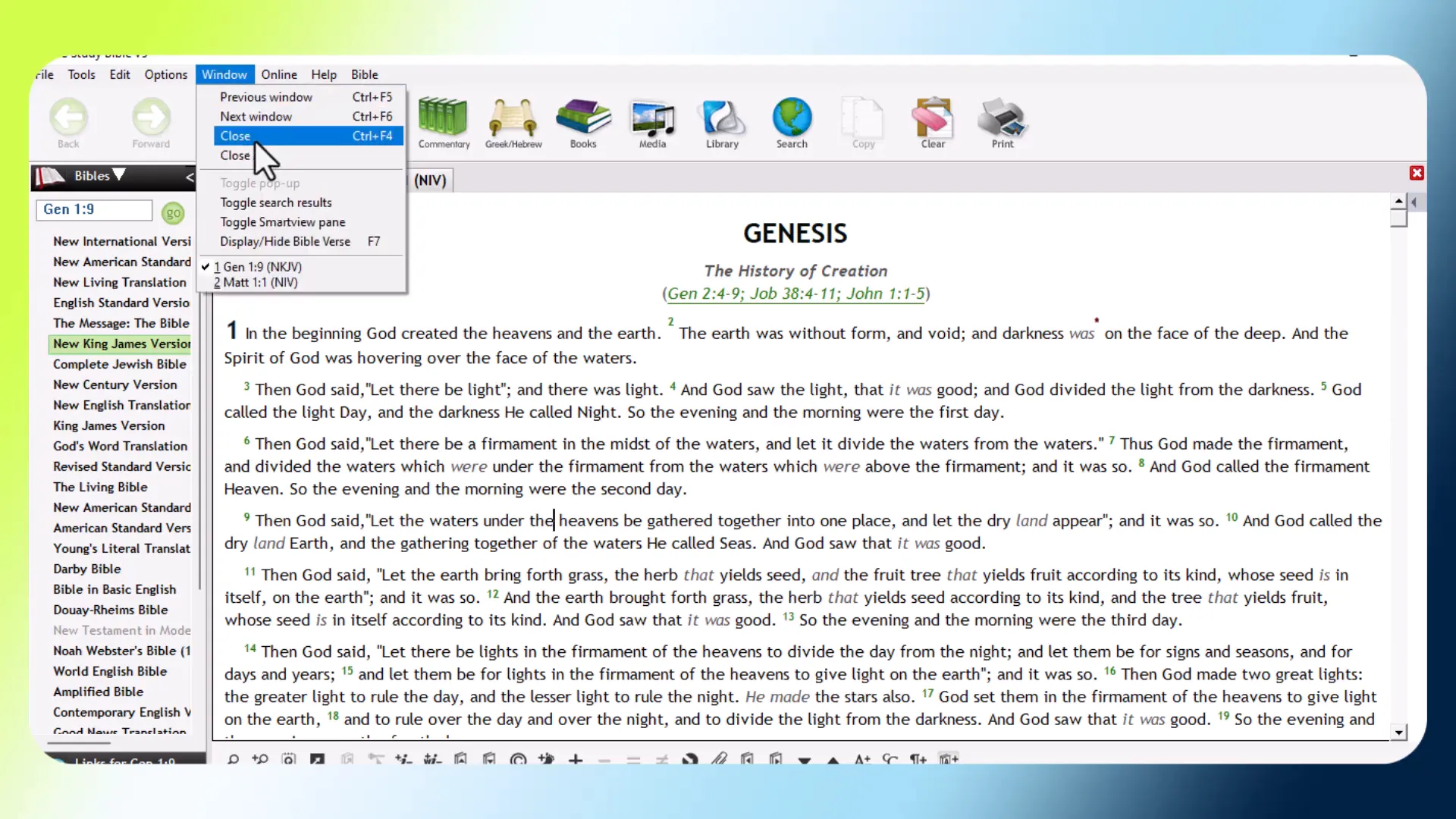
Managing multiple windows in the PC Study Bible enhances your study efficiency. You can open several resources simultaneously, allowing for comparative study and deeper insights.
Opening Multiple Windows
To open multiple windows, simply select a new resource while keeping your current window open. This feature is particularly beneficial for studying different translations side by side.
Pinning Resources
The pinning feature allows you to keep specific resources open while you navigate through others. This means you can refer back to critical passages or notes without losing your place in your study.
Adding and Managing Bible Versions
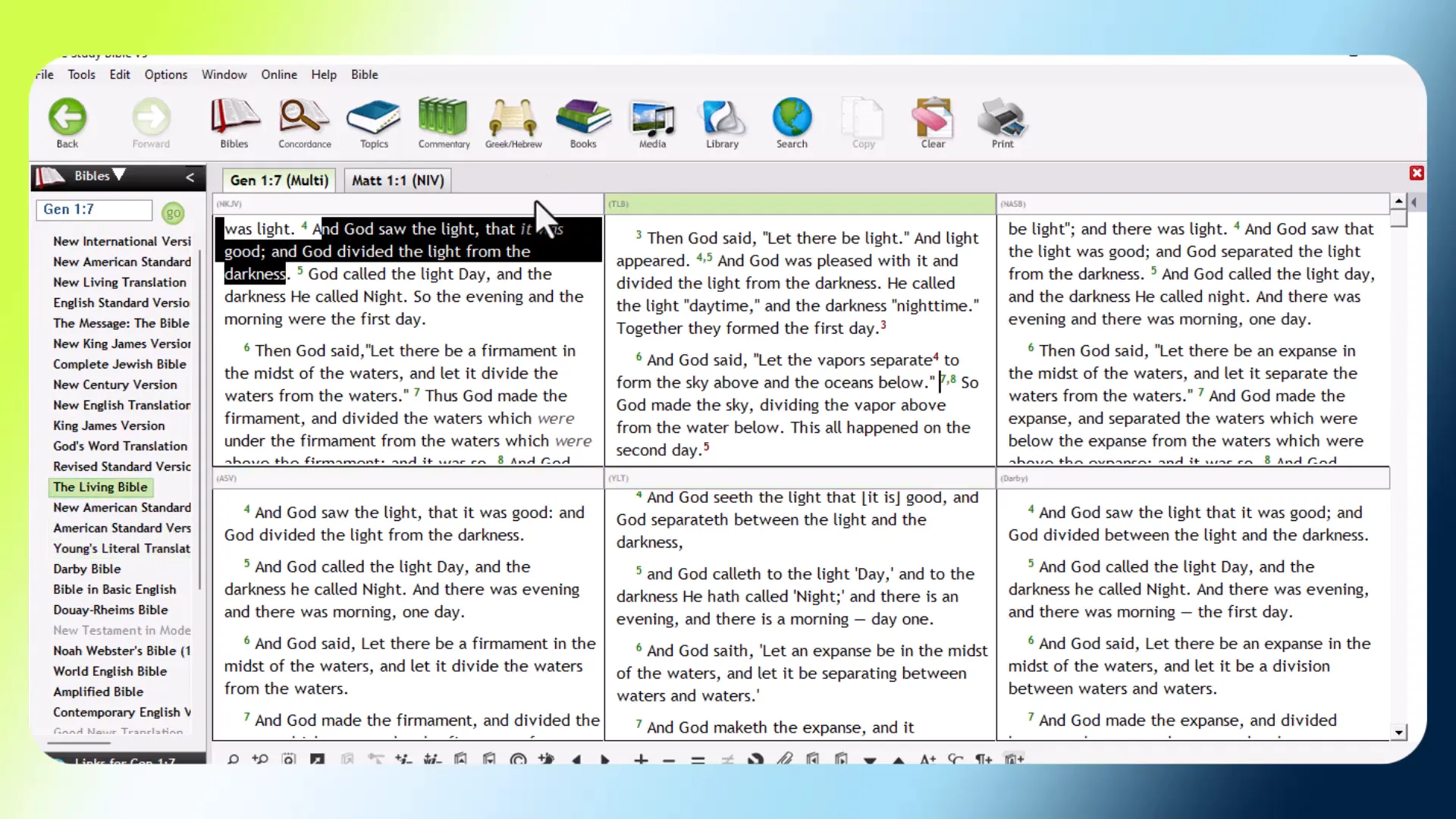
Adding various Bible versions to your PC Study Bible is simple and enhances your ability to compare texts. This feature is crucial for understanding different interpretations of scripture.
Adding New Versions
To add a new Bible version, navigate to the library section and select the “Add Version” option. This allows you to expand your library with translations that suit your study needs.
Managing Your Versions
Once you have added multiple versions, managing them is straightforward. You can easily switch between translations or set a default version for your study sessions.
Conclusion and Further Learning
The PC Study Bible is a powerful tool for anyone serious about Bible study. Its extensive resources, customizable features, and user-friendly interface make it an invaluable companion for exploring scripture.
As you continue to learn and grow in your understanding of the Bible, consider exploring additional features and resources available in the software. Whether through commentaries, maps, or the robust search functionality, the PC Study Bible equips you to dive deeper into the Word.
For more insights and tutorials, keep an eye out for future content that will enhance your study experience. Happy studying!